After starting the game, click on an empty character slot on the main screen.
This will take you directly to the character creation screen.

Once you access the character creation screen, it should look like this:
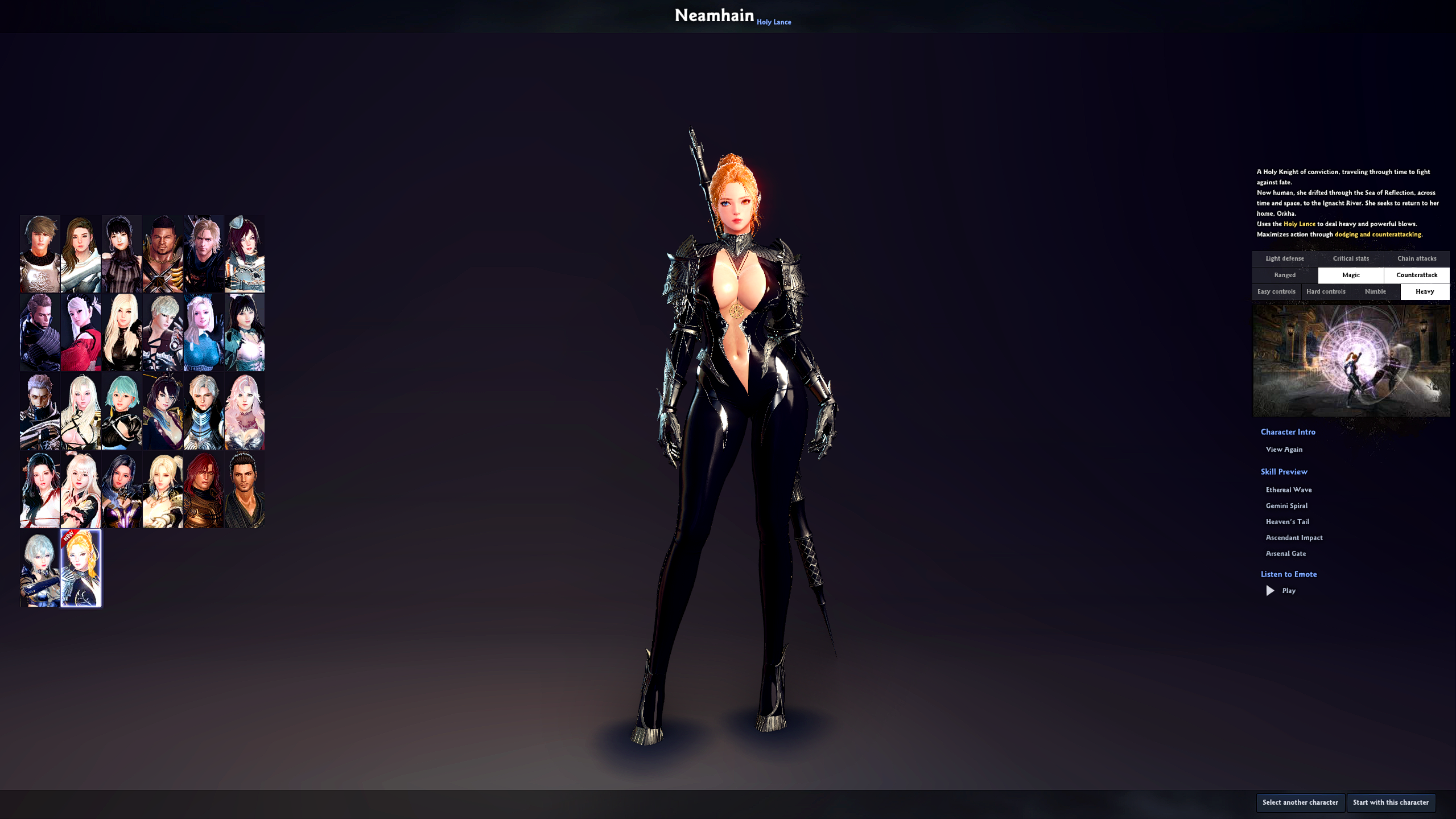
The left side of the screen shows the heroes you can create, and on the right is a description of each hero's characteristics and combat style.
Once you've selected the hero you'd like to play, press 'Start with this character.'
A screen appears where you can customize the appearance of your character.
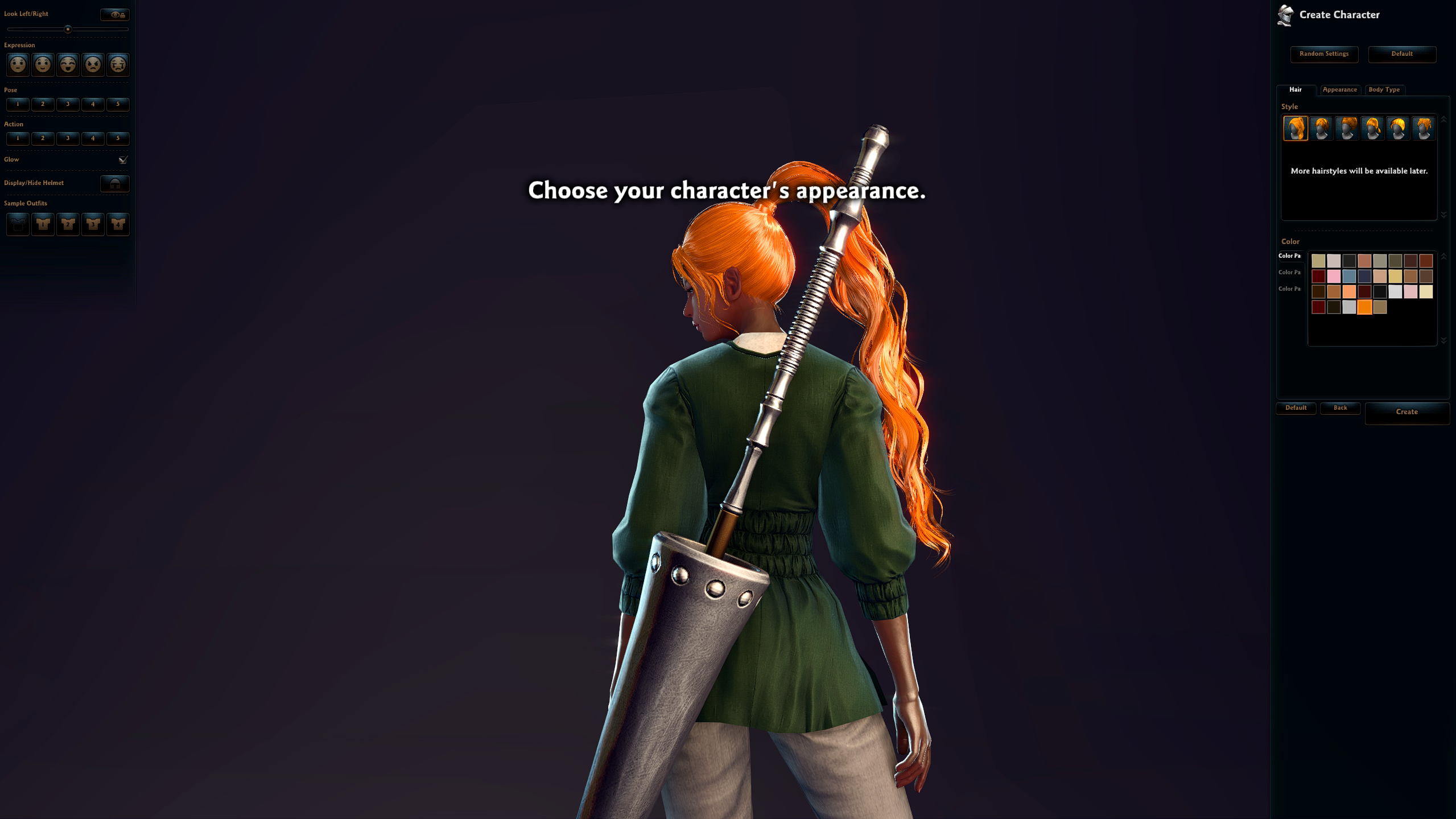
Once you've customized the appearance, press the Create button to enter a name for your character.
This will be the identity of the character to represent you in Vindictus! Create a unique and precious name for your character.
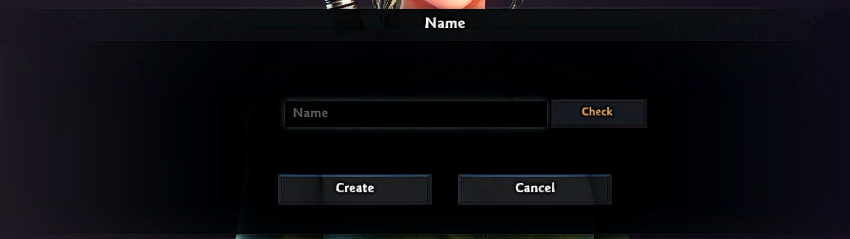
Once you've decided your character's name, you will be guided to the prologue.
The prologue starts with a cutscene of the mercenary unit, and then the battle begins. If you press ESC at this point, you can skip the prologue and enter the town of Colhen, where your character begins their journey.
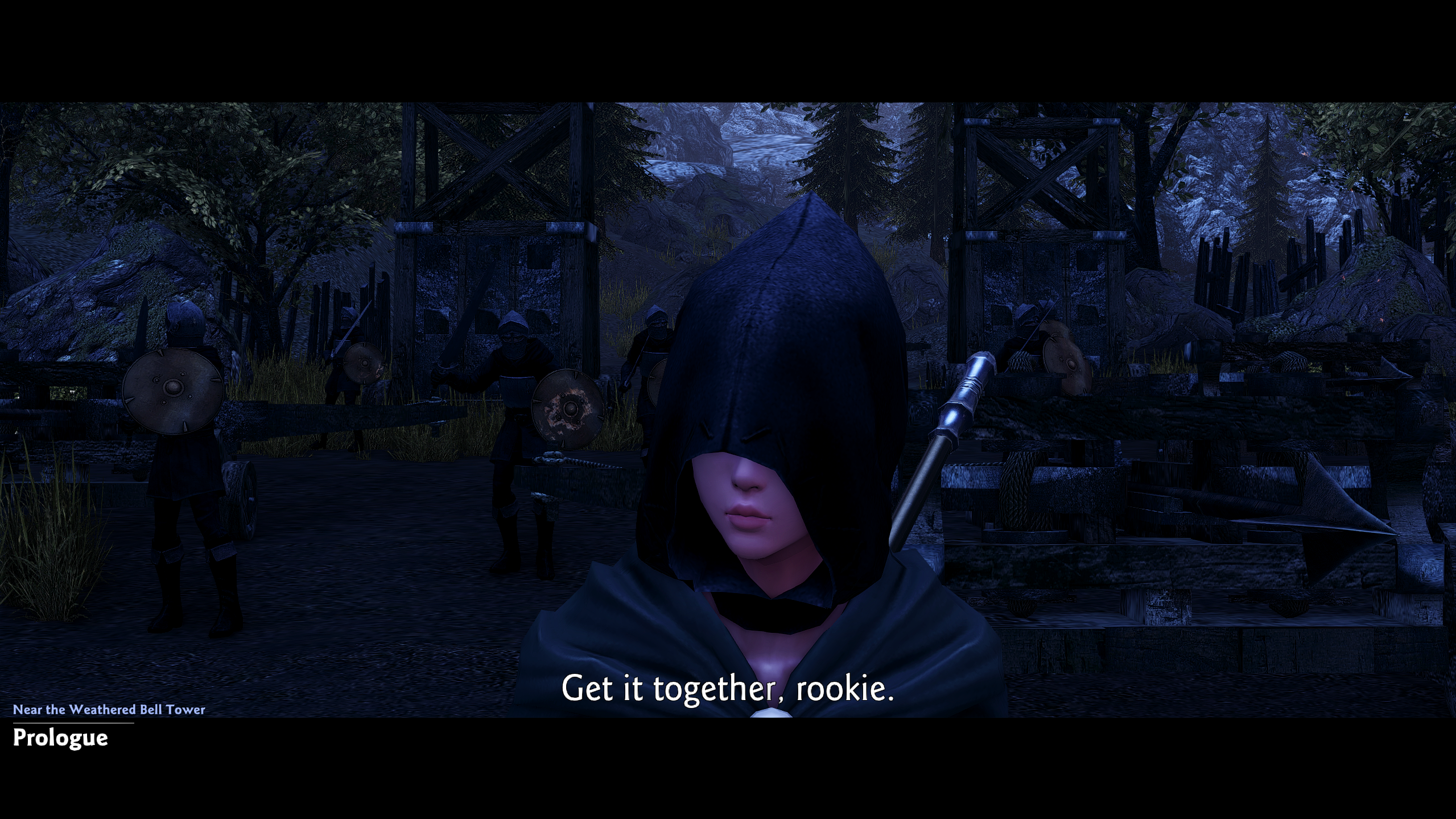
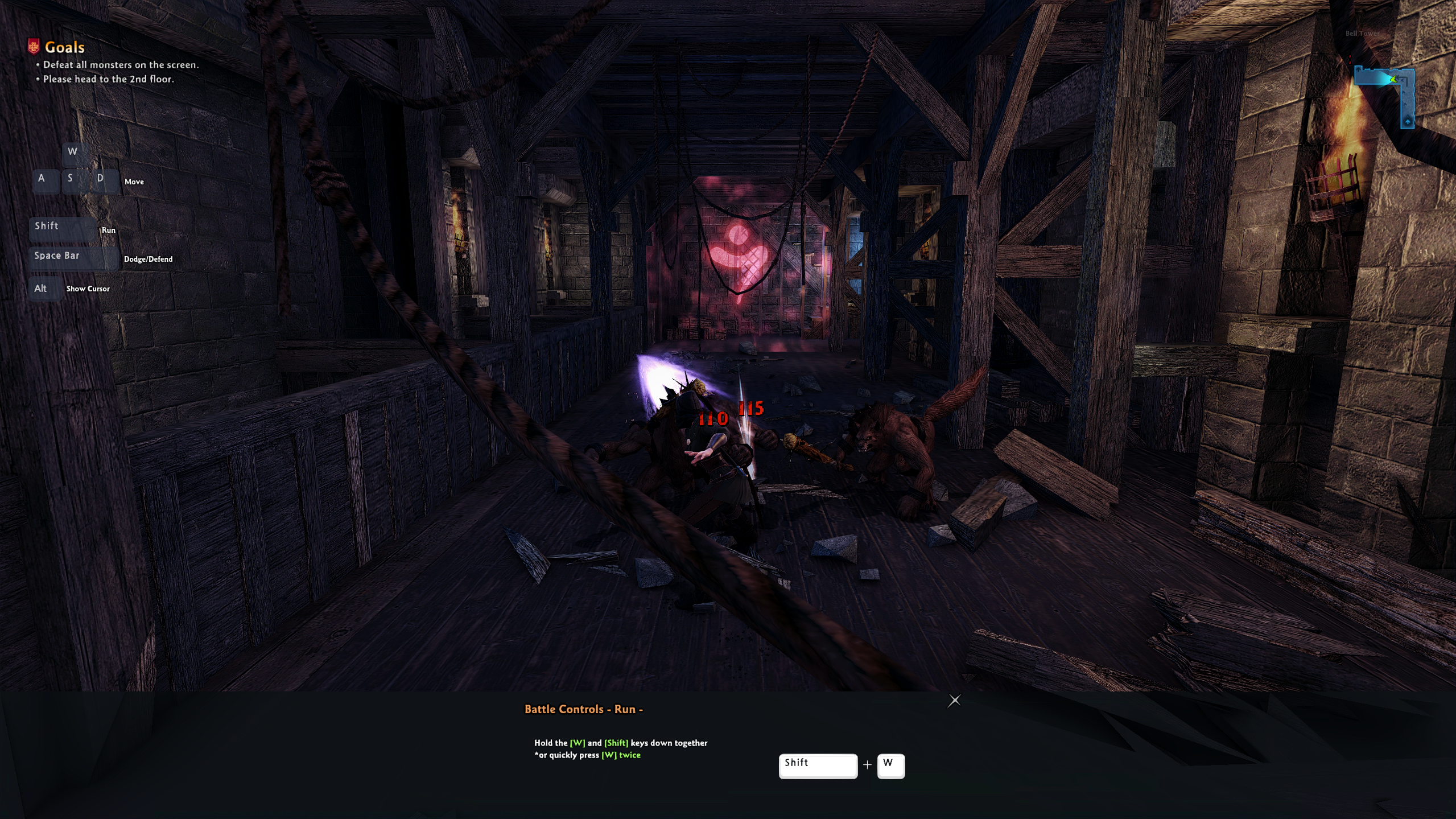
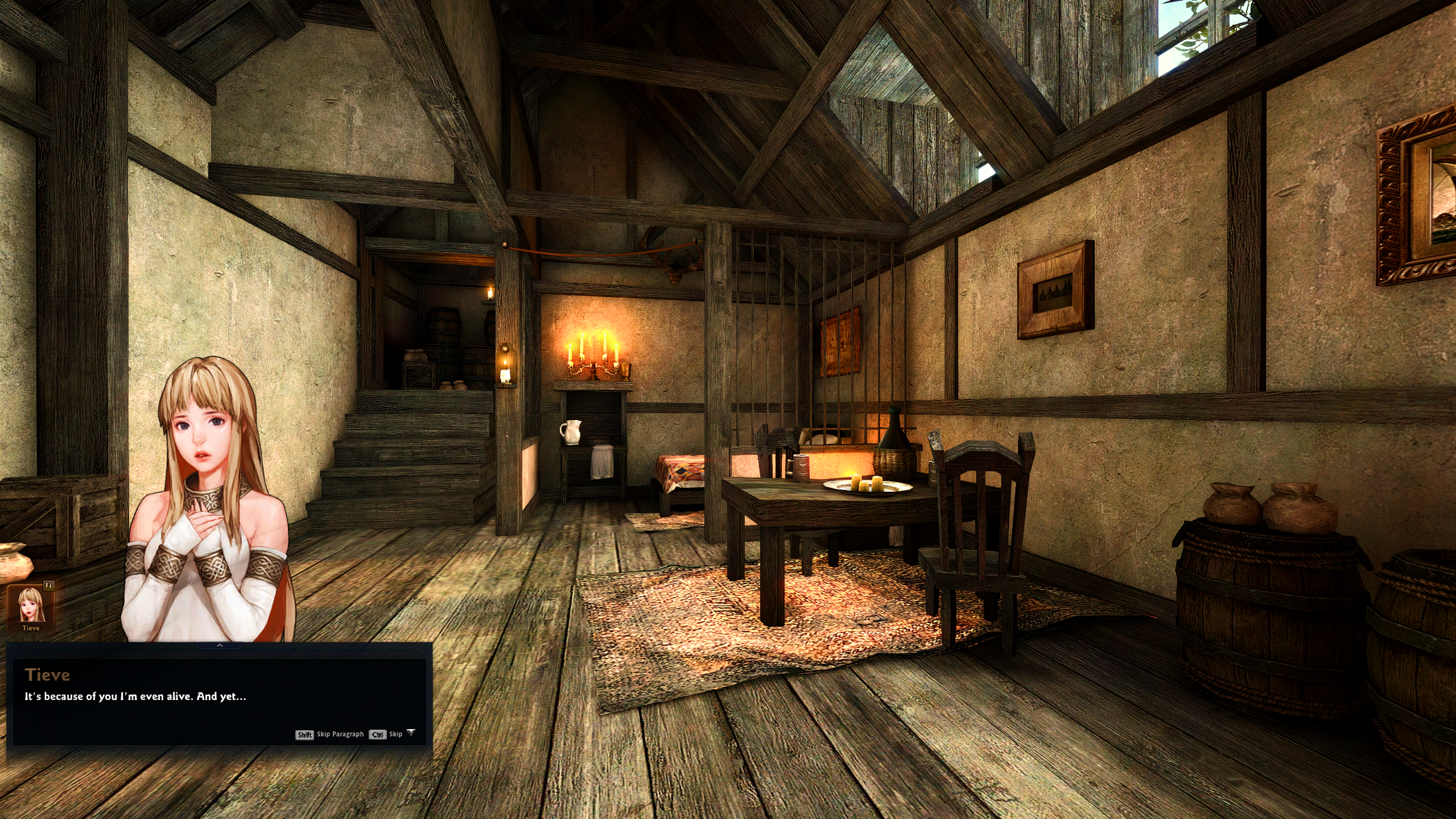
After finishing the prologue, you'll have a conversation with Tieve. After the conversation, you'll be able to enter the town of Colhen.
You'll then receive your first story, 'Marrec and the Crimson Blades.'
| This guide reflects up-to-date information as of June 2017. |
