■ Guild Storage
Guild storage allows members of the guild to share items freely.
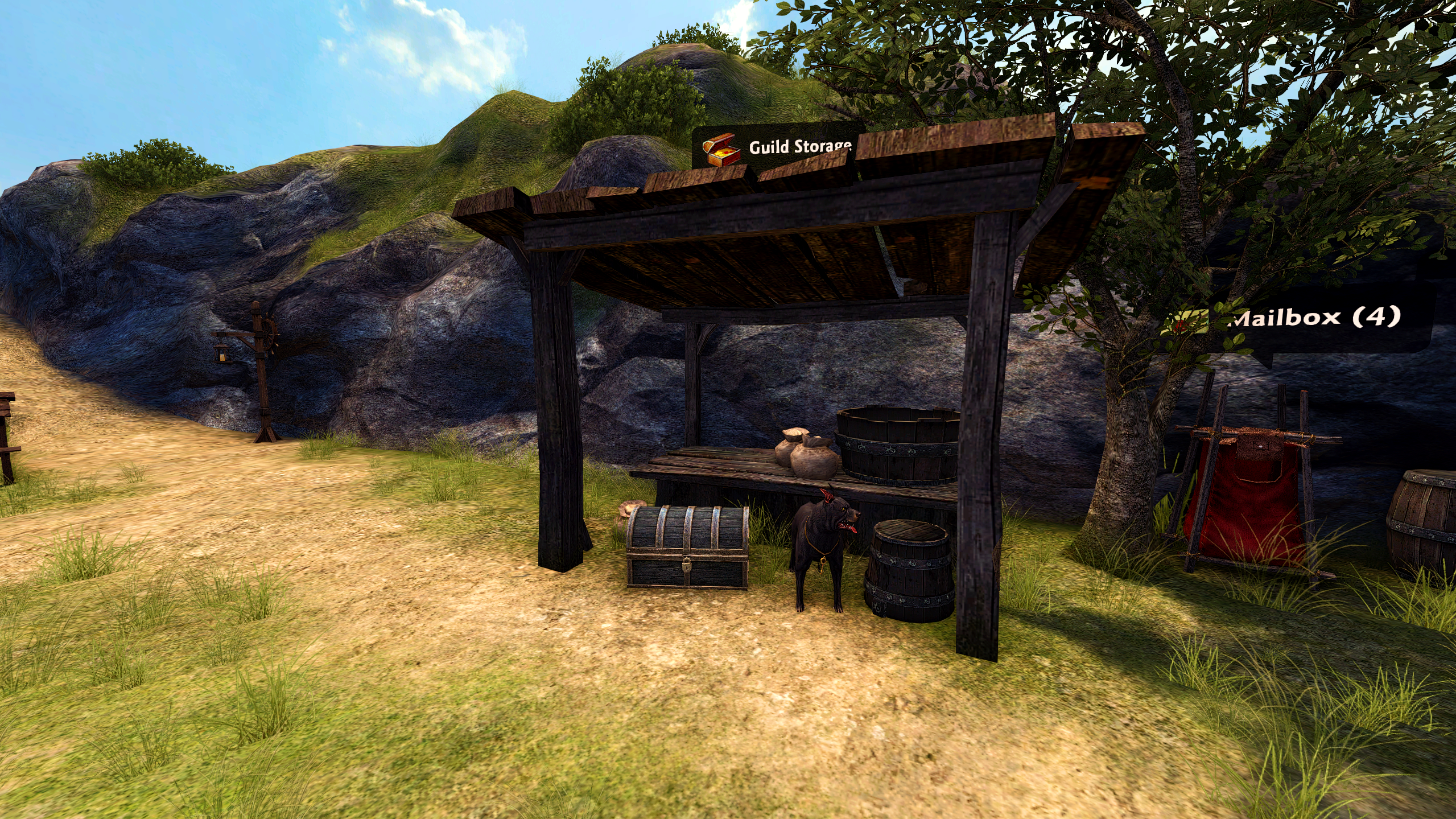
- Find the Guild Storage in each town.
- Right Click on the items in the Guild Storage to take items members stored, and Right Click on the items in the inventory to store items in the Guild Storage.
- You cannot store character Bound items in the Guild Storage.
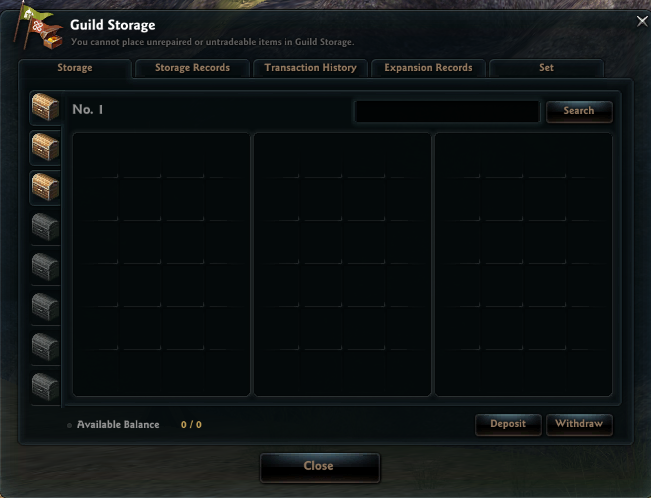
You can check usage records of the Guild Storage from the 'Storage Records' tab.
Other than items, Gold can also be shared between Guild Members. The Guild Master can limit the withdrawal amount.
- Use the 'Deposit' button to add gold to the Guild Storage, and enter the amount of gold to be stored.
- Use the 'Withdraw' button to take gold from the Guild Storage, and enter the amount of gold to be taken.
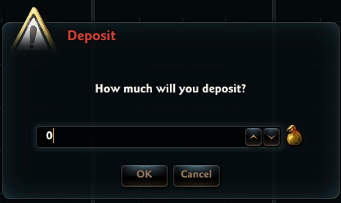
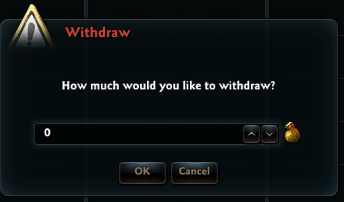
You can check gold deposit/withdrawal records of the Guild Storage from the 'Transaction History' tab.
■ Guild Storage Locations per Town
1. Colhen: Between the Inn and the Forge
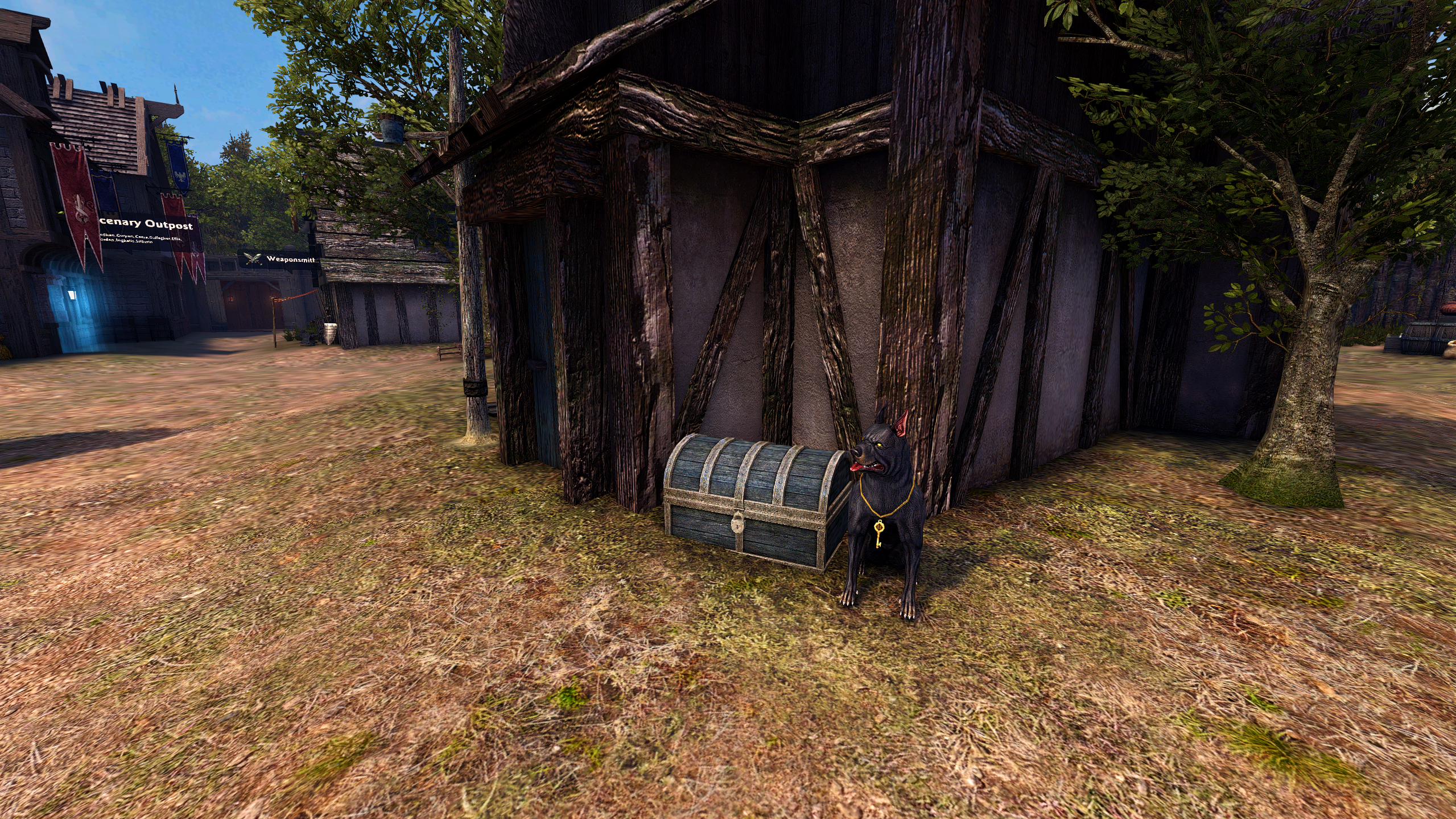
2. Rocheste: In front of the Marketplace Message Board
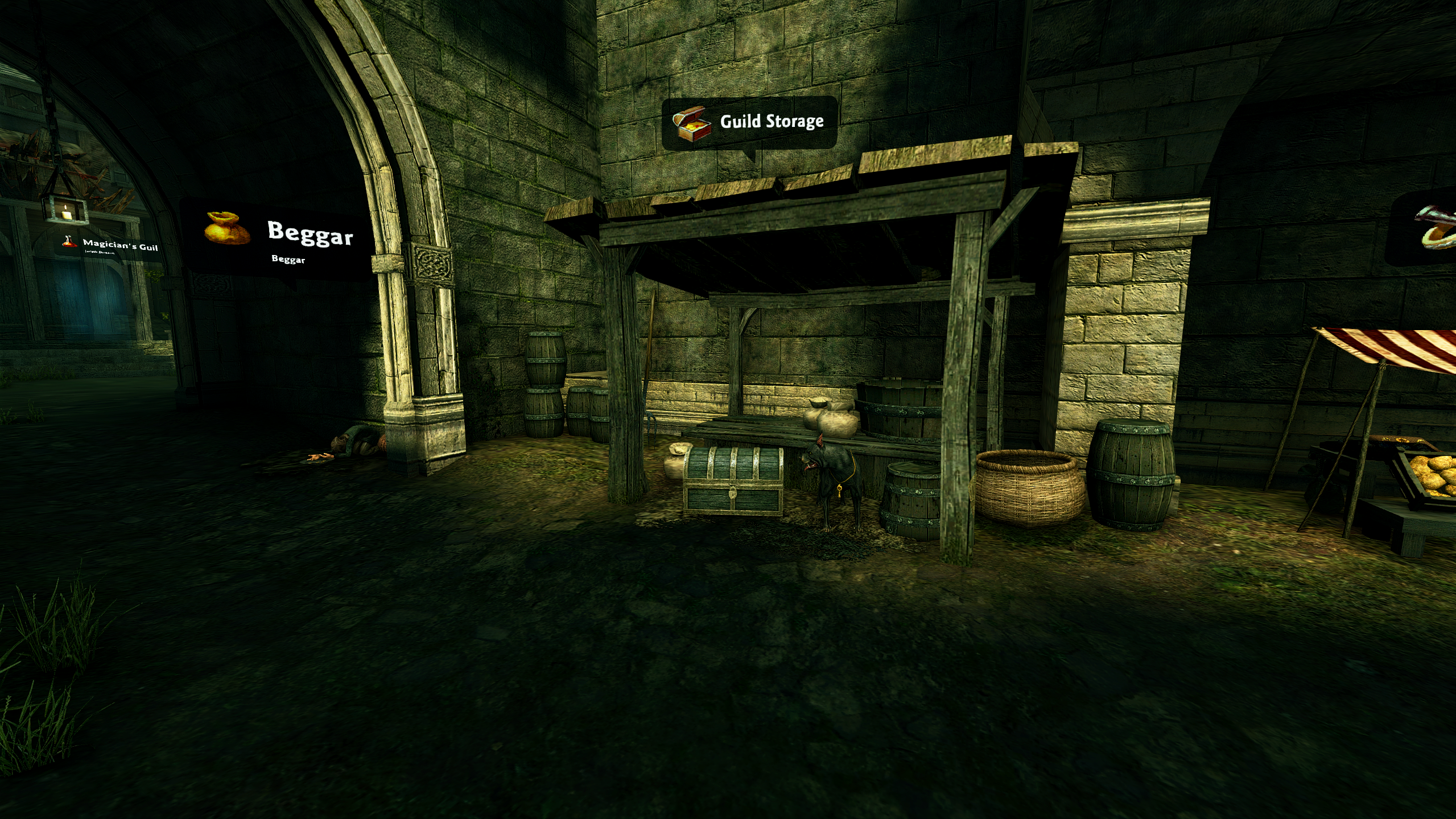
3. Malina: Between the Inn and the General Store
| This guide reflects up-to-date information as of May 2021. |
