■ Installation & Launch
You can install Vindictus from either the official homepage, or our Steam store page.
* Recommended system requirements
| OS: Windows 10 or Later Processor: Intel i5 Haswell, AMD Ryzen3 2200G (Quad-Core 3.2 GHz or Higher) Memory: 8 GB RAM Hard Disk Space: At Least 15 GB of Free Space Video Card: GeForce GTX 660, Radeon HD 7850 (VRAM 2 GB or Higher) DirectX®: Version 9.0c or Higher Sound: 16-Bit Sound Card Network: Broadband Internet Connection |
If you are accessing the game from the homepage, you will be required to log in & download the Nexon launcher.
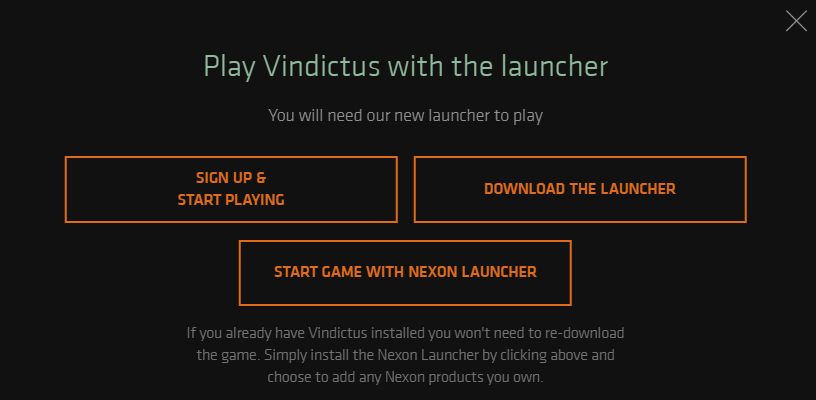
From the Nexon Launcher, you can install the Vindictus Client. After installation is complete, press 'Play' to launch the game.
If you are accessing the game from the Steam Store Page, you can add Vindictus to your Steam Library by pressing 'Play Game.'

From the Steam Library, install the game and press 'Play' to launch the game.

■ Character Selection
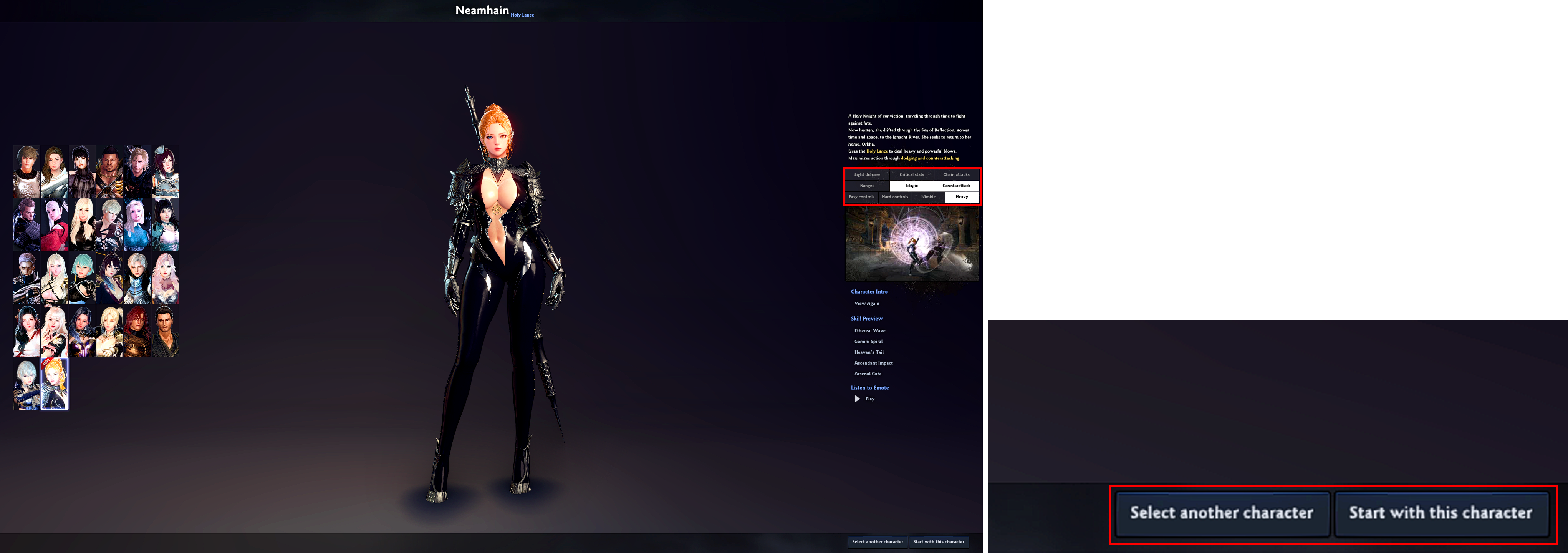
Vindictus features a wide variety of characters with colorful actions and charm.
On the right side of the screen, you can see the specialties for each character. After choosing a character with your favorite specialties, press the [Start on this character] button.
■ Character Creation
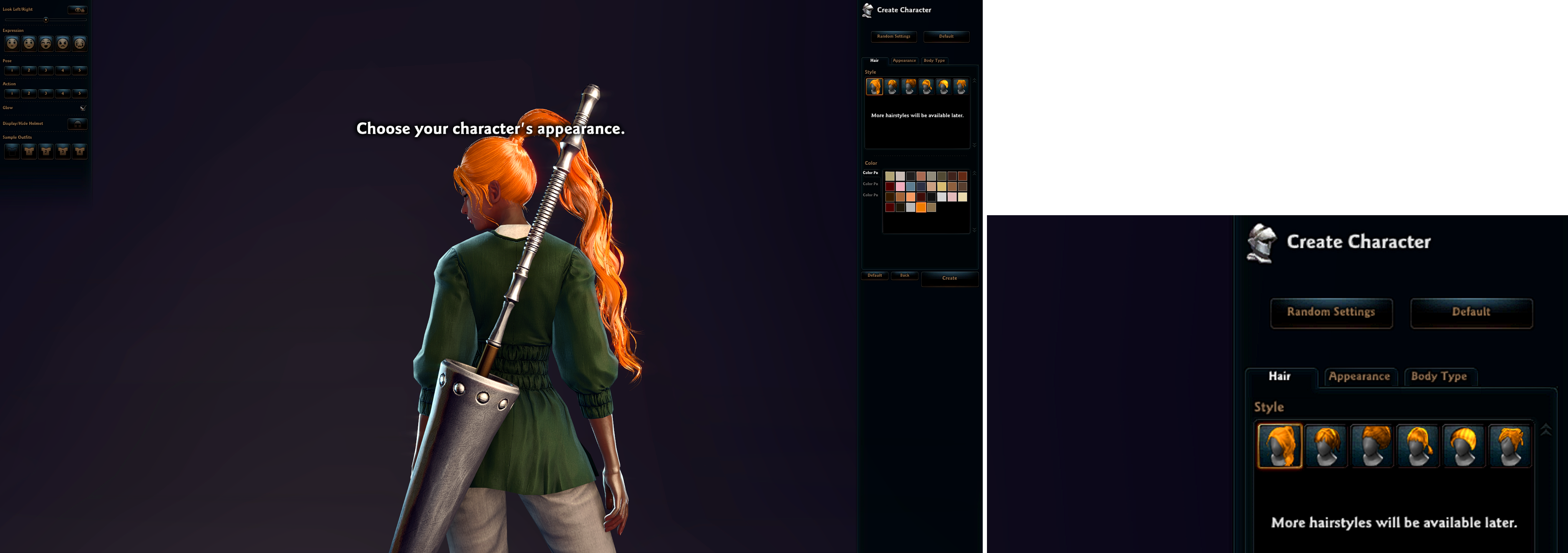
On the character creation screen, you can customize your character's hairstyle, skin color, body type, and more.
The character's cool appearance adds another layer of charm and fun to Vindictus.
■ Prologue & Play the Tutorial
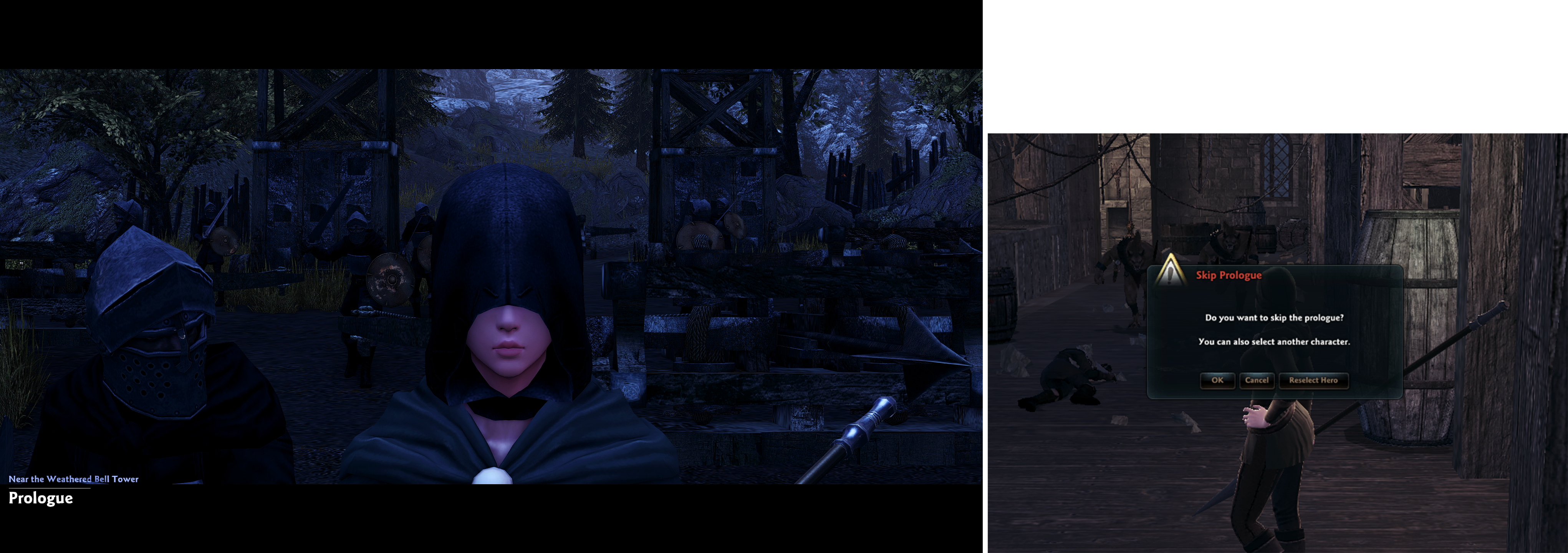
After creating your character, you can play the tutorial battle through the prologue.
You can use the ESC key to skip the prologue, or to reselect your character. If you skip the prologue, you won't be able to replay it afterward, so take care when pressing the ESC key.
| This guide reflects up-to-date information as of May 2021. |
