■ Sending Mail
You can only send mail via the Compose tab when at Mailbox location on the map.
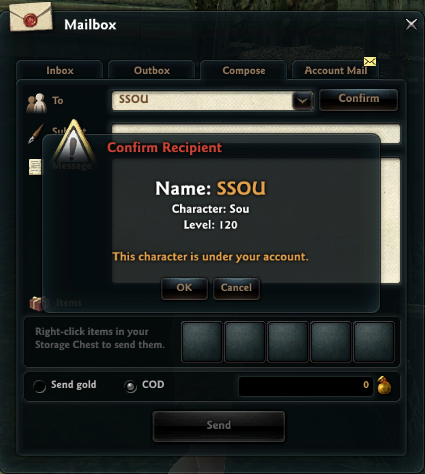
When sending mail, enter the recipient, click Check Recipient to double-check who the recipient is, then enter the subject and content of the mail.
- You can view the recipient's character, level, and which other characters are under the same account.
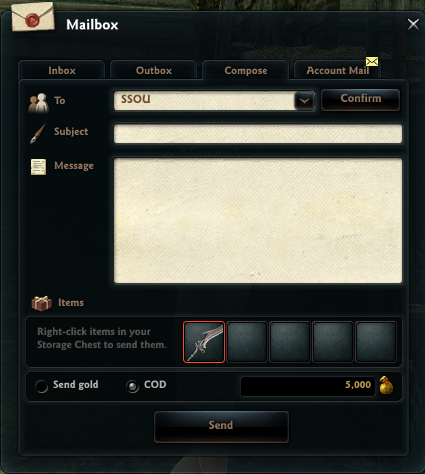
If you have any items you wish to attach to the mail, you can add it to the mail by dragging or right-clicking the item from your inventory.
If an item is attached, you can send an invoice for the item to the recipient, which can be done by selecting C.O.D.
(When sending a C.O.D., if the bind count for the attached item decreases, or if an attached item can no longer be traded, you will receive a warning message.)
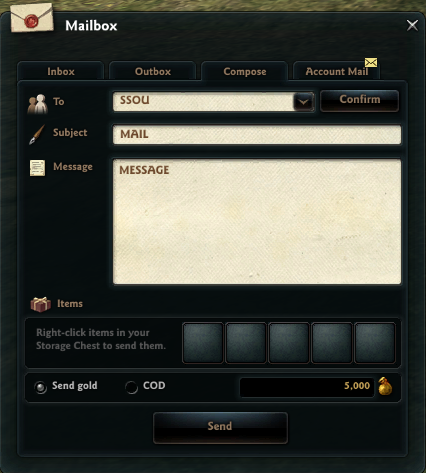
If you want to send gold through mail, click 'Send Gold' to attach the amount of gold you wish to send.
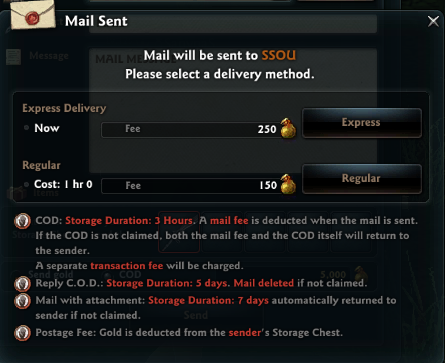
When sending mail, a pop-up window asking for confirmation will appear upon clicking 'Send,' and you can select either Express Delivery or Regular Delivery.
'Express' will send the mail instantly, while 'Regular' will send the mail after 1 hour.
■ Receiving Mail
You can view received mail at any point by clicking the Mailbox icon in the bottom right. Open the Inbox tab in the Mailbox UI to view received mail.
If there are any attached items or gold with the mail, a gift icon will be displayed. You can claim all attached items/gold by clicking that icon, or by clicking 'Receive All' in the bottom right of the mailbox UI.
If you have already read or claimed all items from the mail in your Inbox, you can click 'Auto-Select' in the bottom right and then click 'Delete' to empty your inbox.
Any mail that still has unclaimed items or gold attached cannot be selected by 'Auto-Select.'
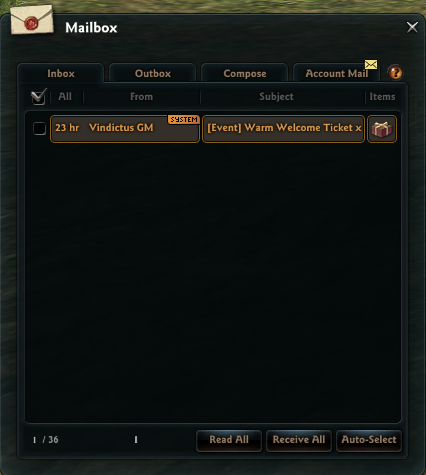
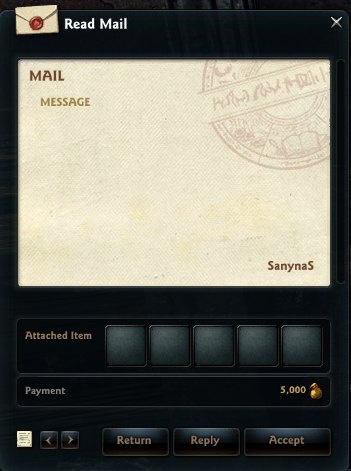
You can view attached items or gold within received mail upon clicking the mail subject line.
Click 'Return' to return received mail back to the sender, or click 'Reply' to immediately respond to received mail.
You can click 'Accept' to claim all items/gold attached to received mail.
■ Account Mail
Account Mail comes only from game systems such as Events or Vindictus GMs, and this type of mail can only be received, not sent.
Unlike other kinds of mail, all characters under the same account can view this mail regardless of what character you're accessing on.
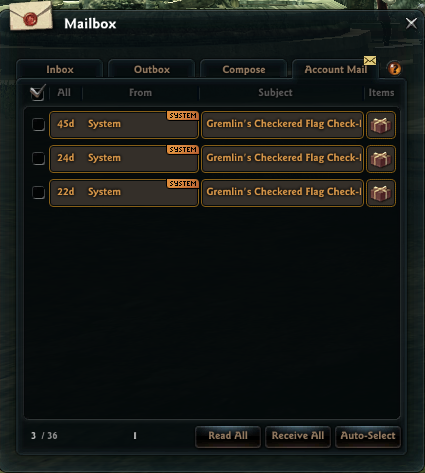
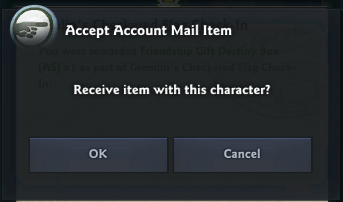
However, if there are attached items, only one character from an account can receive it.
Please be sure to check if attached items are account sharable or character bound before claiming them.
| This guide reflects up-to-date information as of May 2021. |
