■ Objects
An 'Object' is an item you can freely place around your town and interact with using your character.
You can obtain and use them after purchasing them from the Supply Depot.
■ How to use Objects
Unlike regular items, Objects cannot be used right away. When right-clicking on an Object stored in the NX storage, a confirmation window will appear asking whether to use it.
When used, the Object will be registered to your 'Object List.'
In the Object List, you can view all objects your character has obtained. You can open it by pressing 'Character Info > Object'
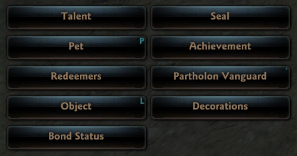
From the Object List window, you can place or remove Objects in your town, repair them, or delete them if their duration has expired.
■ Placing an Object
When you click 'Place,' the Object you're about to position will appear as a transparent preview.
Each character can place up to one Object at a time. While placing an Object, you won't be able to use other game features besides moving your character and chatting.
If it shows a red outline, it means the Object can't be placed in that spot. An Object will glow red and cannot be placed in the following situations:
- When the terrain is not flat.
- When there are moving characters like dogs, chickens, or soldiers in the town.
- When another character’s Object is already placed in that spot.
- When it is too close to other structures.
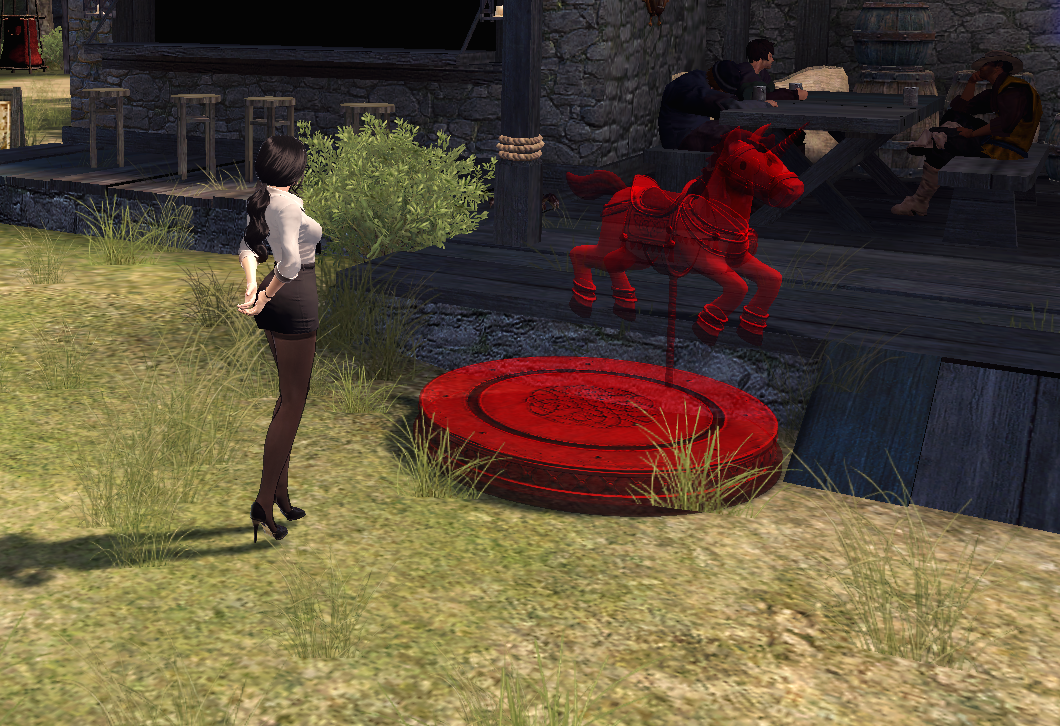
You can left-click to place the Object, or right-click to cancel the placement.
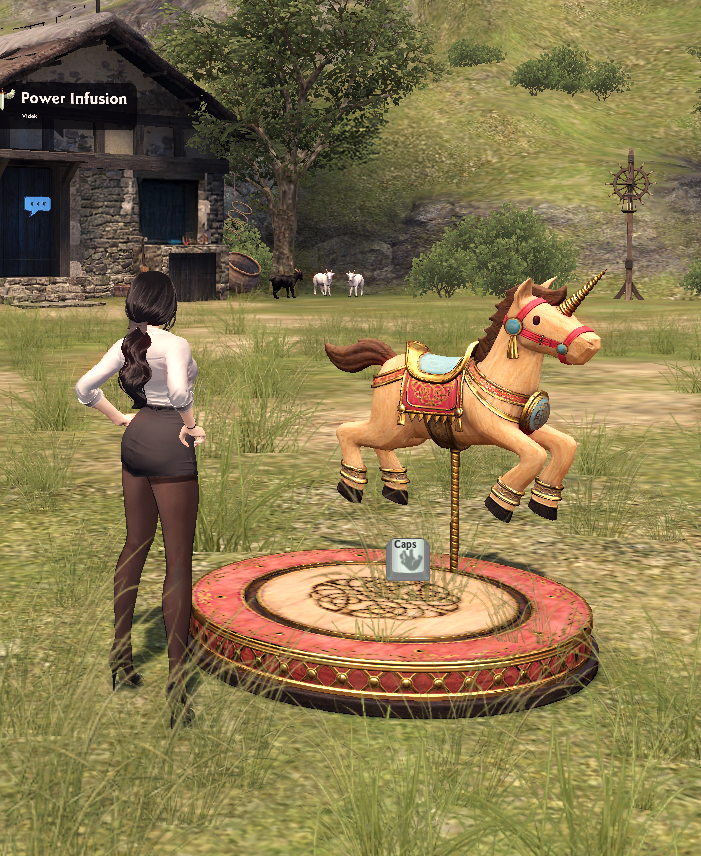
When your character approaches a placed Object, the interaction key will become active.
If you’d like to remove a placed Object, just open the Object List window again and click 'Remove', just like when you placed it.
Objects also have durability, just like regular equipment items.
Each time you use an Object, its durability decreases by a certain amount. You can repair an Object directly from the Object List window by paying a small amount of Gold.
| This guide reflects up-to-date information as of January 2018. |
